
Lab 1: Overview and Asset Discovery
Overview
Mythical bank has hired you as a system integrator. Similar to other banks, Mythical is very focussed on providing the best possible customer experience and are investing heavily in digitizing their traditional legacy offerings. The bank is going through a major transformation to enhance and unify their customer experience by building digitized and connected experience and undertaking Customer 360 initiatives. This includes a plethora of projects that are scattered over next couple years and Mythical realizes this is easier said than done.
Learning Objectives
-
Locate and review existing APIs and assets in Anypoint Exchange that relate to the workshop. This includes MuleSoft Accelerator, and workshop APIs
-
Review customer onboarding process and locate the validation API
Step 1: Access the Anypoint Platform
-
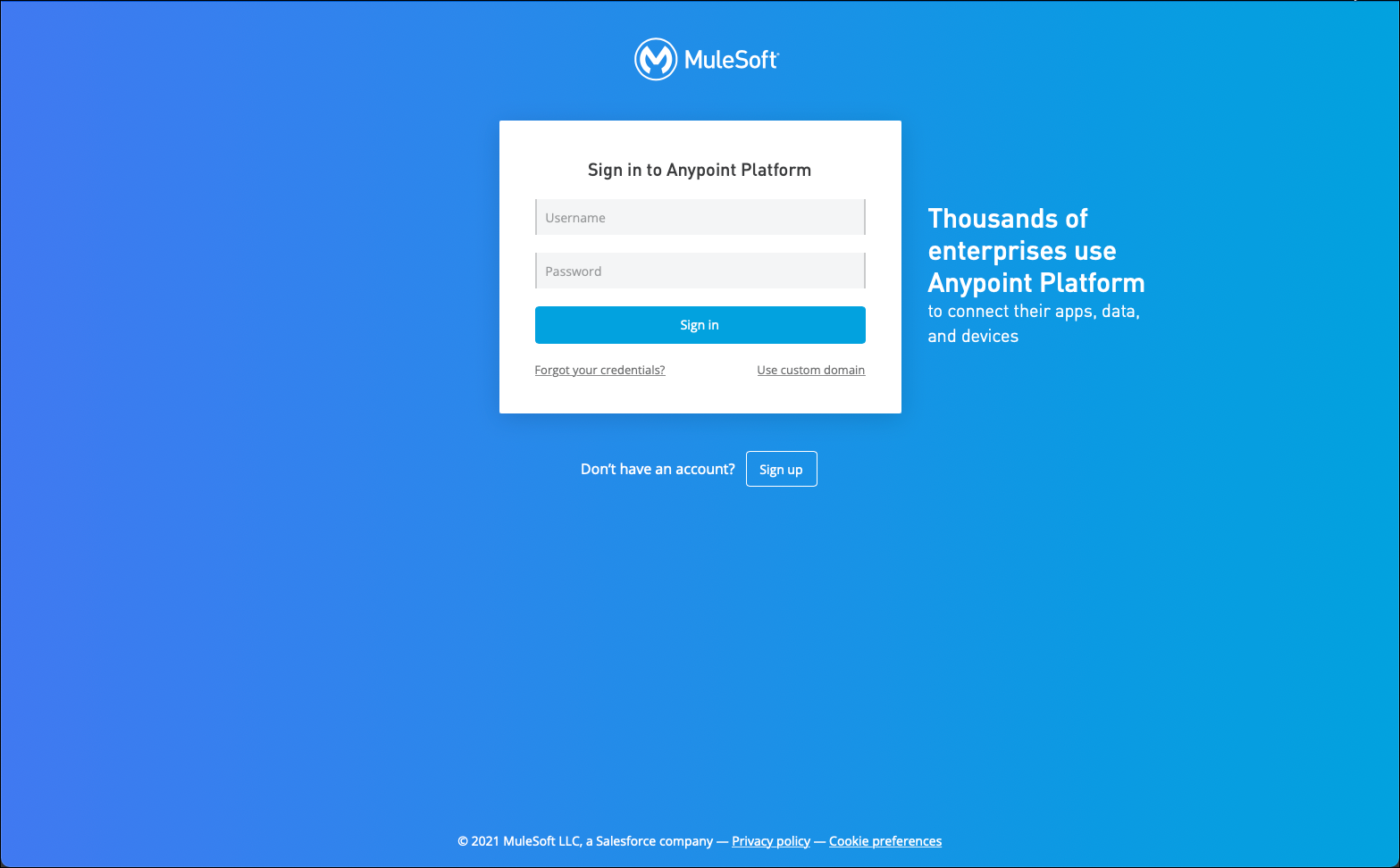
After you had registered for this workshop you should have received an email that contained instructions on creating an Anypoint Platform account. Open a web browser and navigate to the following URL: https://anypoint.mulesoft.com/. The following page will appear.
-
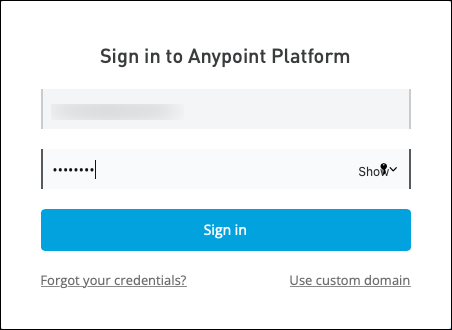
Enter the credentials that you used when you registered via the email link and then click on the Sign in button. The Anypoint Platform home page should appear.
-
Ensure that you use the credentials that you used from the email link. Otherwise, you will not have access to the Business Group that contains all of the assets used in this workshop.
-
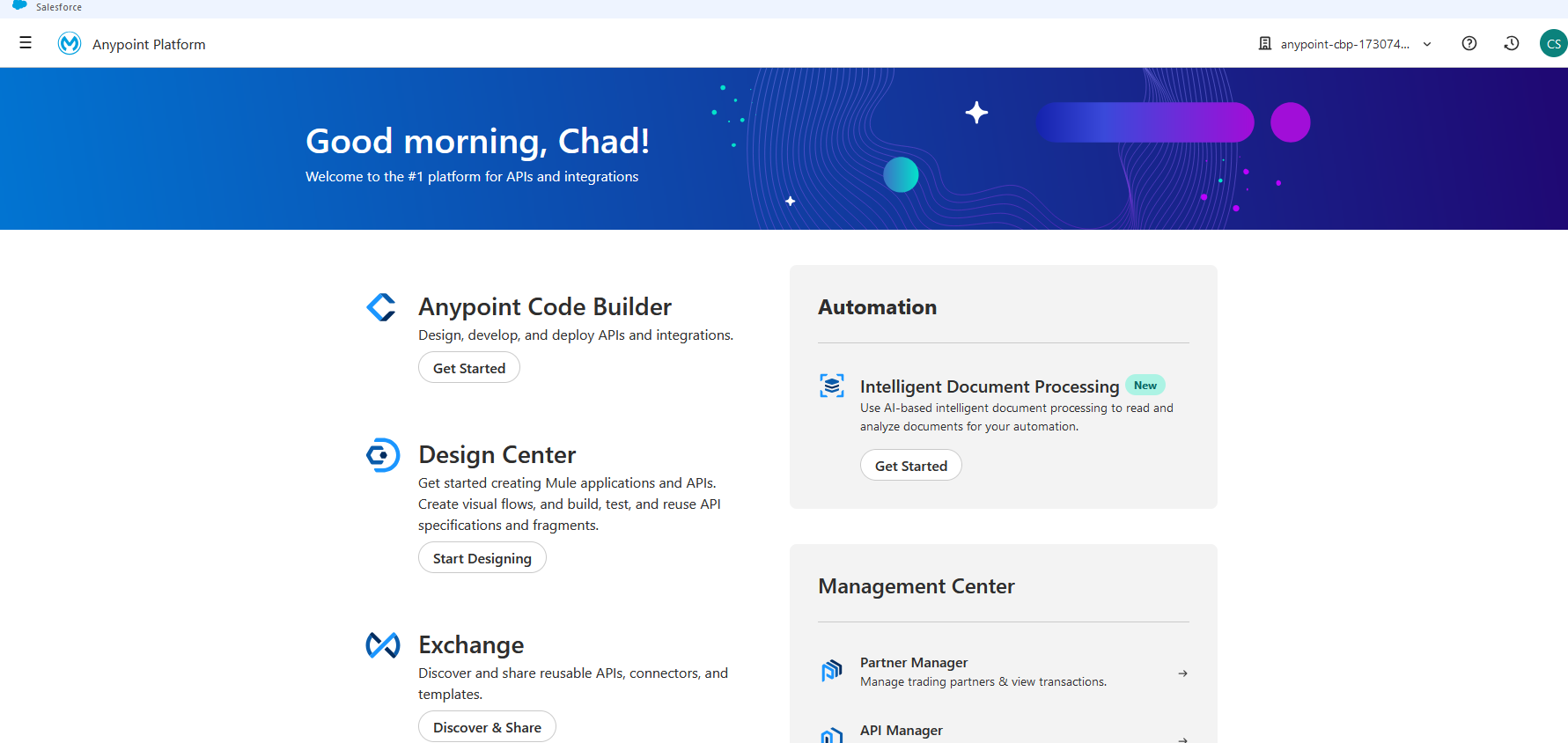
The home page for the Anypoint Platform will appear.
-
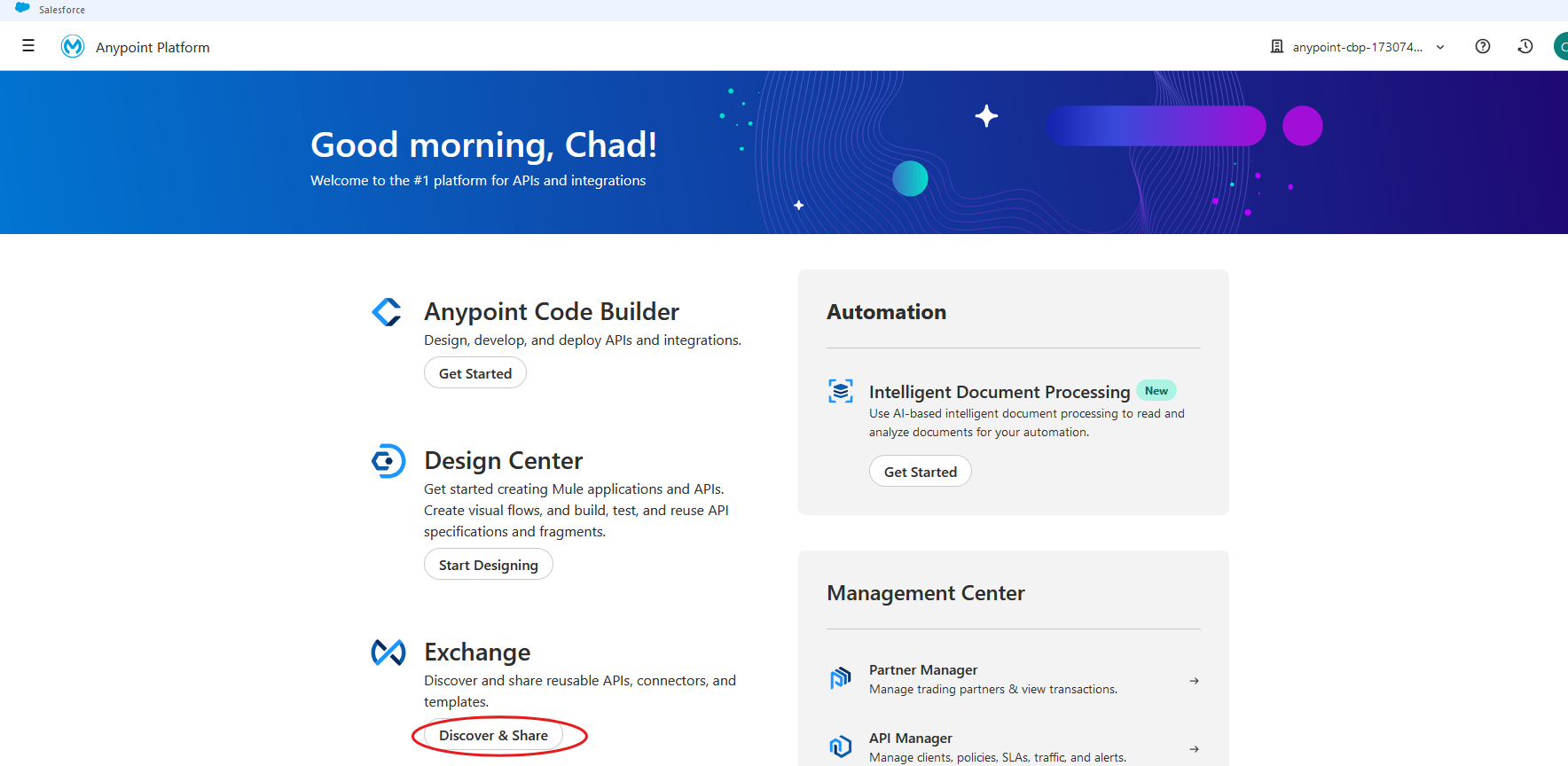
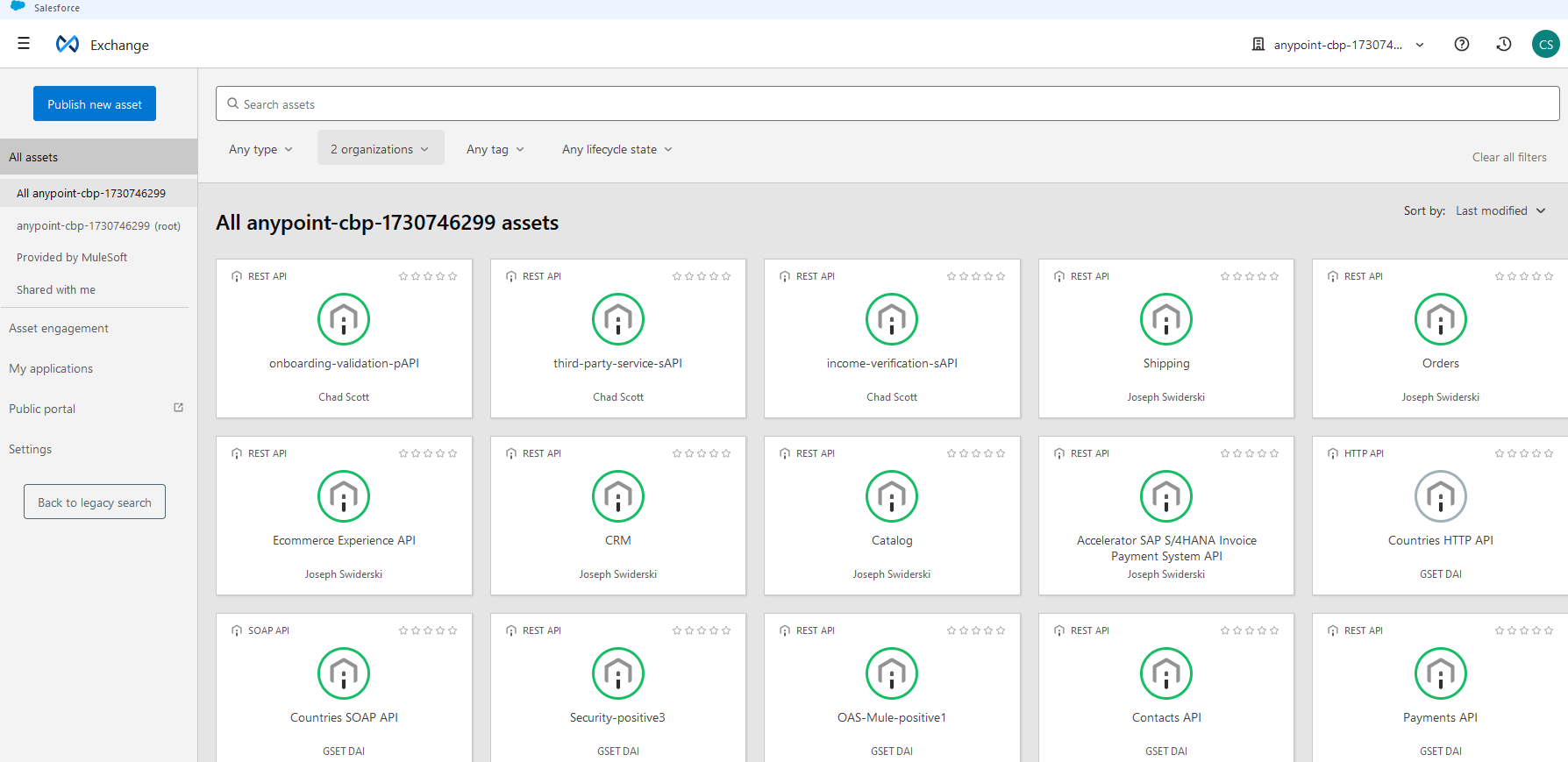
Most of the assets that we will review in this lab exercise will be found in Anypoint Exchange. Click on the Discover & share button under Exchange in order to show a list of all assets that are available in the Business group for this workshop.
-
To review only those assets that are a part of this workshop click on the link immediately below the All assets link in the left side of the page. Note that the name listed below will vary, depending on how your Anypoint Platform instance is configured.
Note:
This workshop uses the following naming convention for APIs:
-
eAPI: prefix for Experience layer APIs
-
pAPI: prefix for Process layer APIs
-
sAPI: prefix for System layer APIs
Also, note that any hyperlinked text in the Anypoint Exchange entries may not be active in the workshop environment you’re working in.
Step 2: Review Mulesoft Accelerator for Financial Services
For this workshop, we will be using assets that are already provided by Mulesoft to quickly implement use cases and drive time to value. These assets are part of Mulesoft Accelerator for Financial services and we will start with understanding the different use cases and the assets that are included in the accelerator.
-
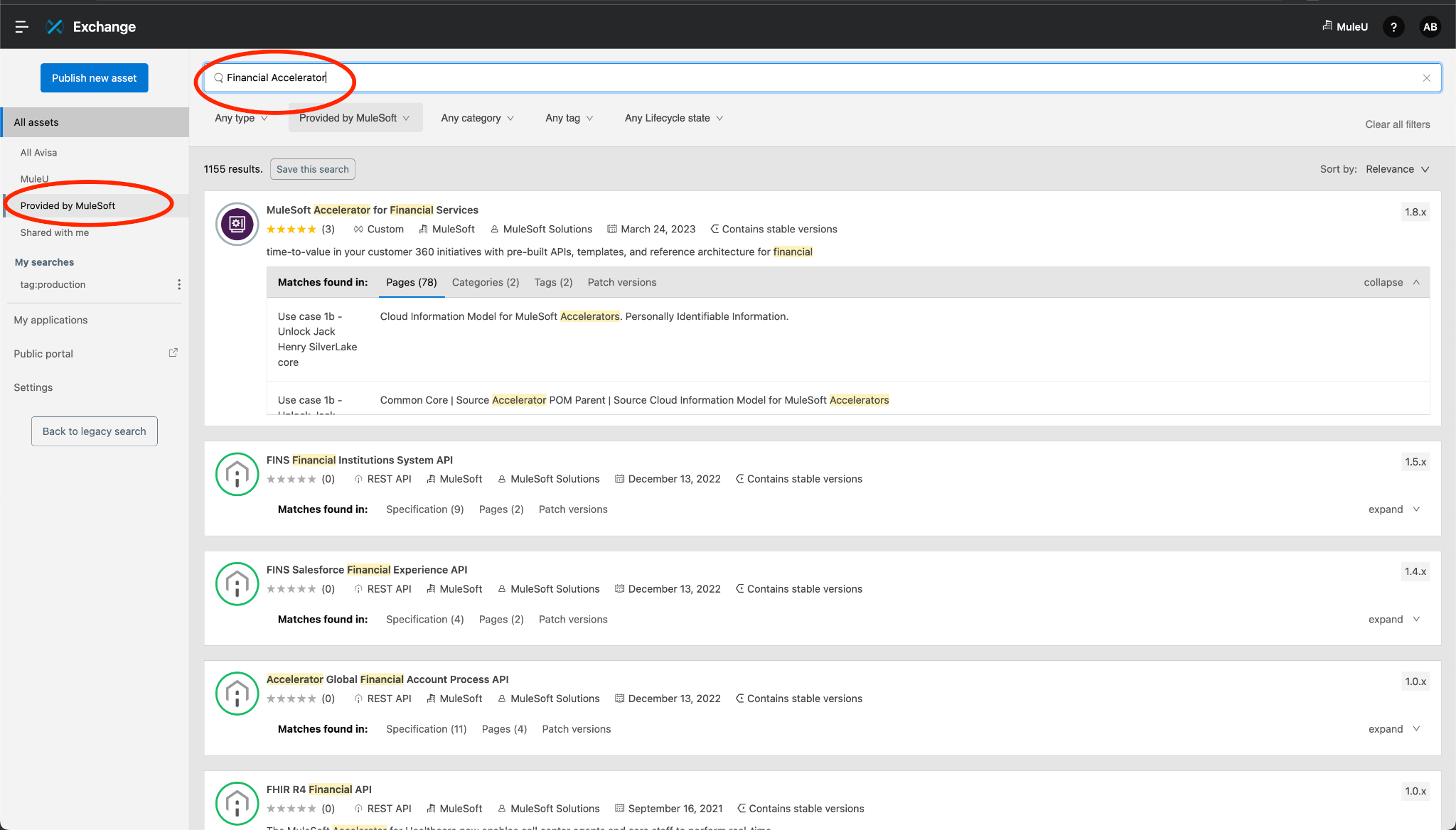
Let us start by searching for the Mulesoft Accelerator. To do so, click on the ‘All Assets’ or ‘Provided by Mulesoft’ option on the Exchange page. Use the search bar and type in ‘Financial Accelerator’ and hit enter. You should see the Mulesoft Accelerator for Financial Services asset.
-
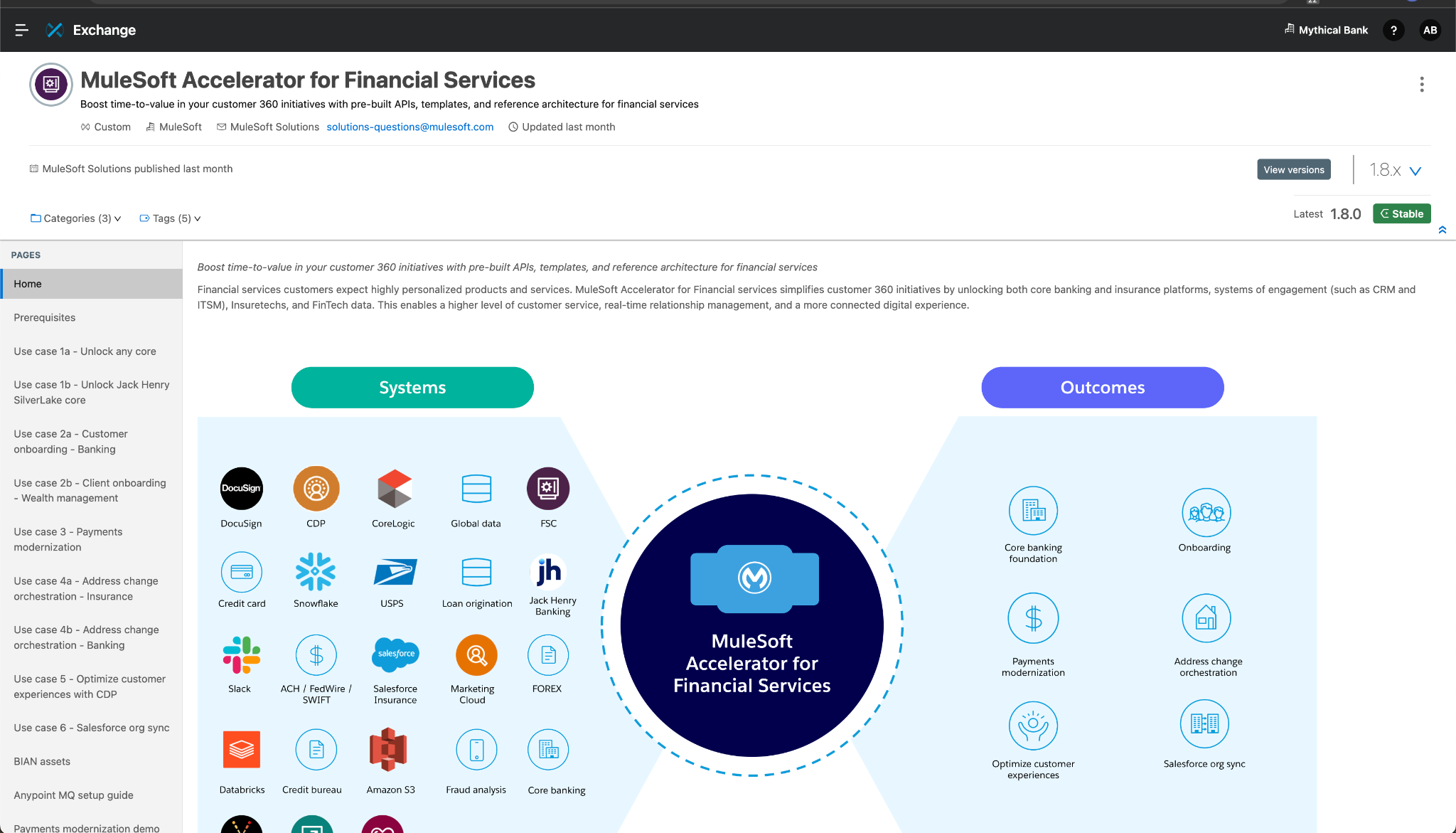
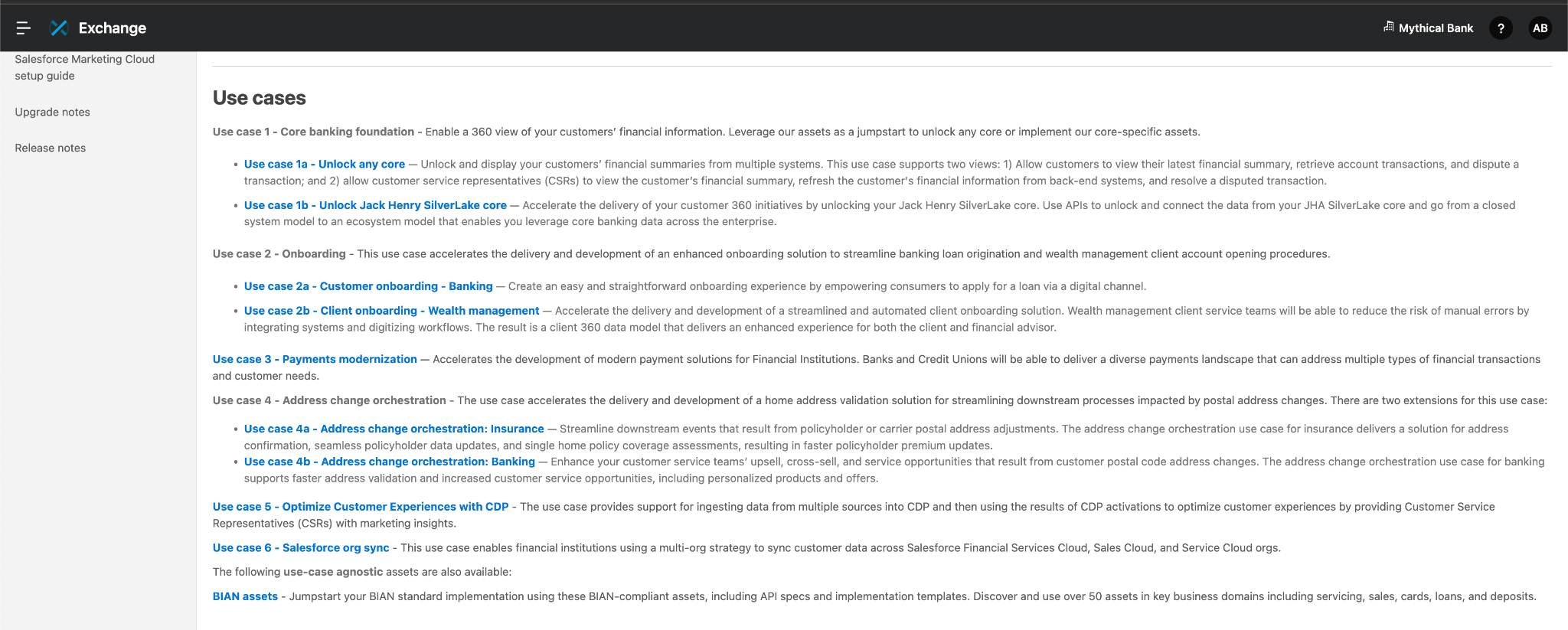
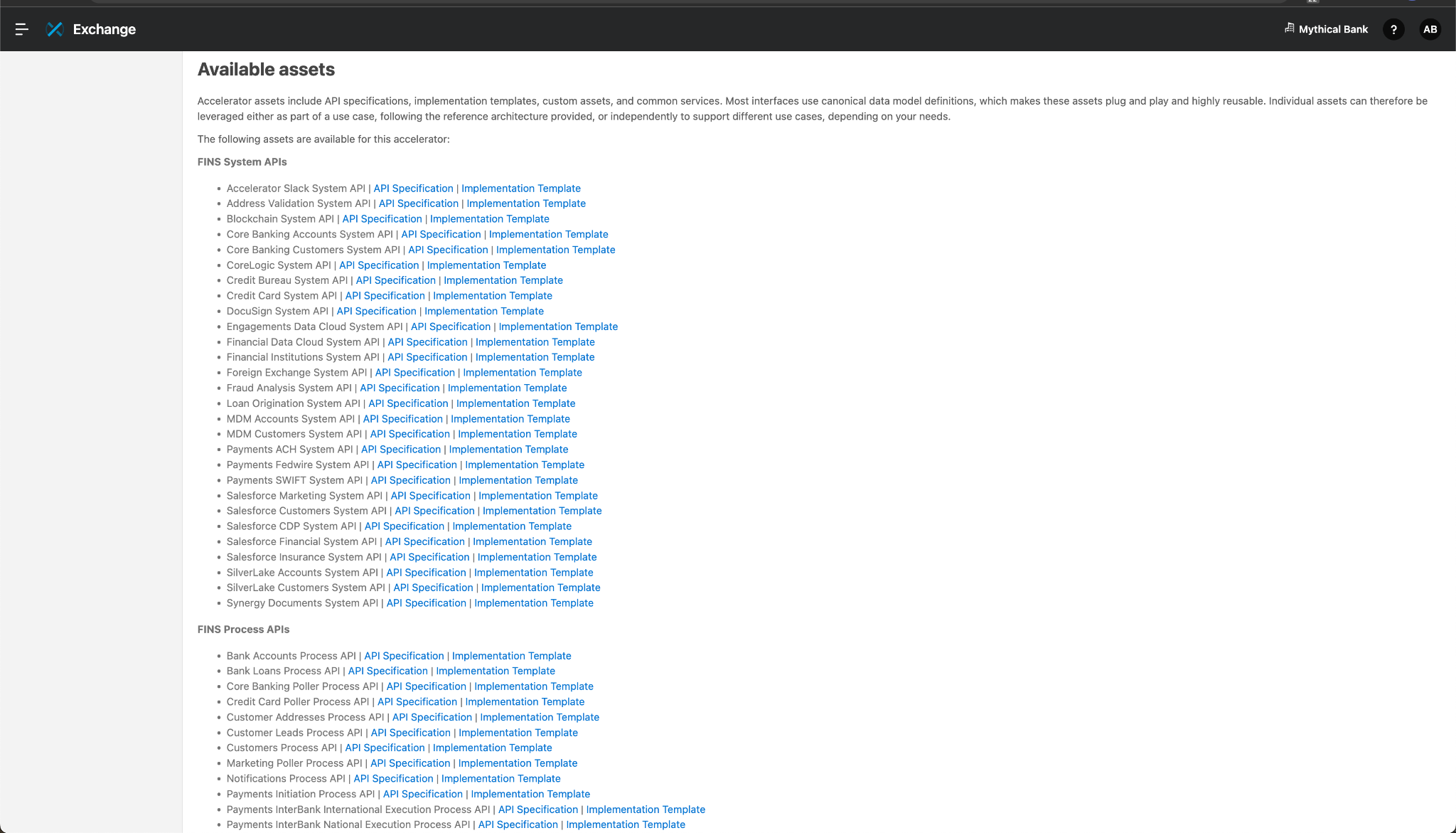
Click on the asset and go through the asset page. On the right hand side, you will see all the use cases. As you scroll through the page, you will find the list of different systems and assets.
-
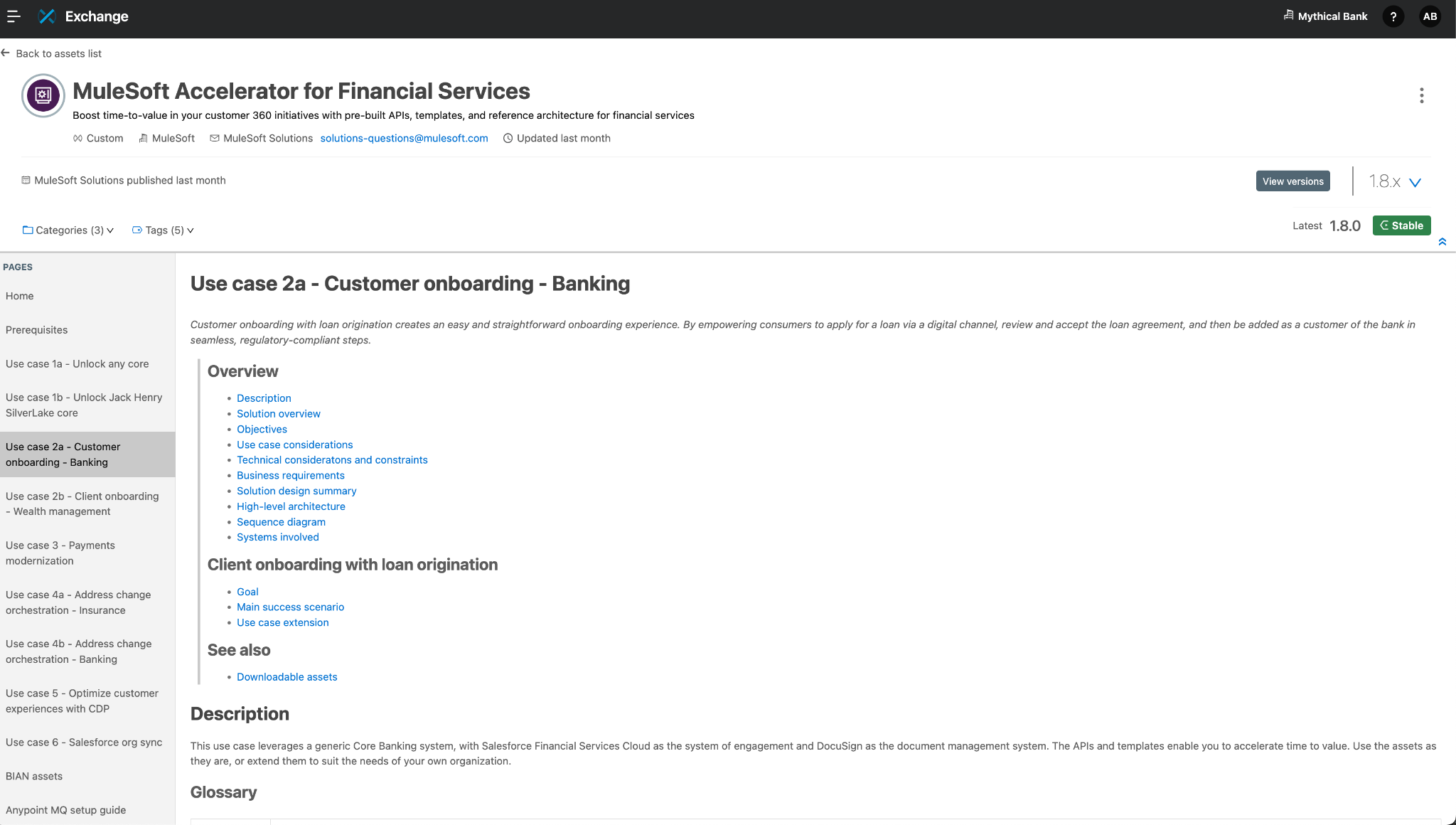
Read through the use cases. For this workshop, we will be focusing on use case 2a, Customer Onboarding for Banking. Before we get to that use case, read through all the use cases.
-
Now observe the different assets including API Specifications and Templates across Experience, Process and System layers. The asset list also includes custom components.
-
For the workshop implementation, we will be extending the functionality of the Customer onboarding use case.
Step 3: Review the Customer Onboarding Use Case
Now that you have spent some time with the Accelerator, use cases and the assets, let us learn a bit more about the Customer onboarding use case.
-
Let’s go back to the asset list and click on the Use Case 2a, Customer Onboarding for Banking. The asset page shows you a lot of details including a high level architecture reference diagram and the sequence diagram. Review the information on the asset page.
-
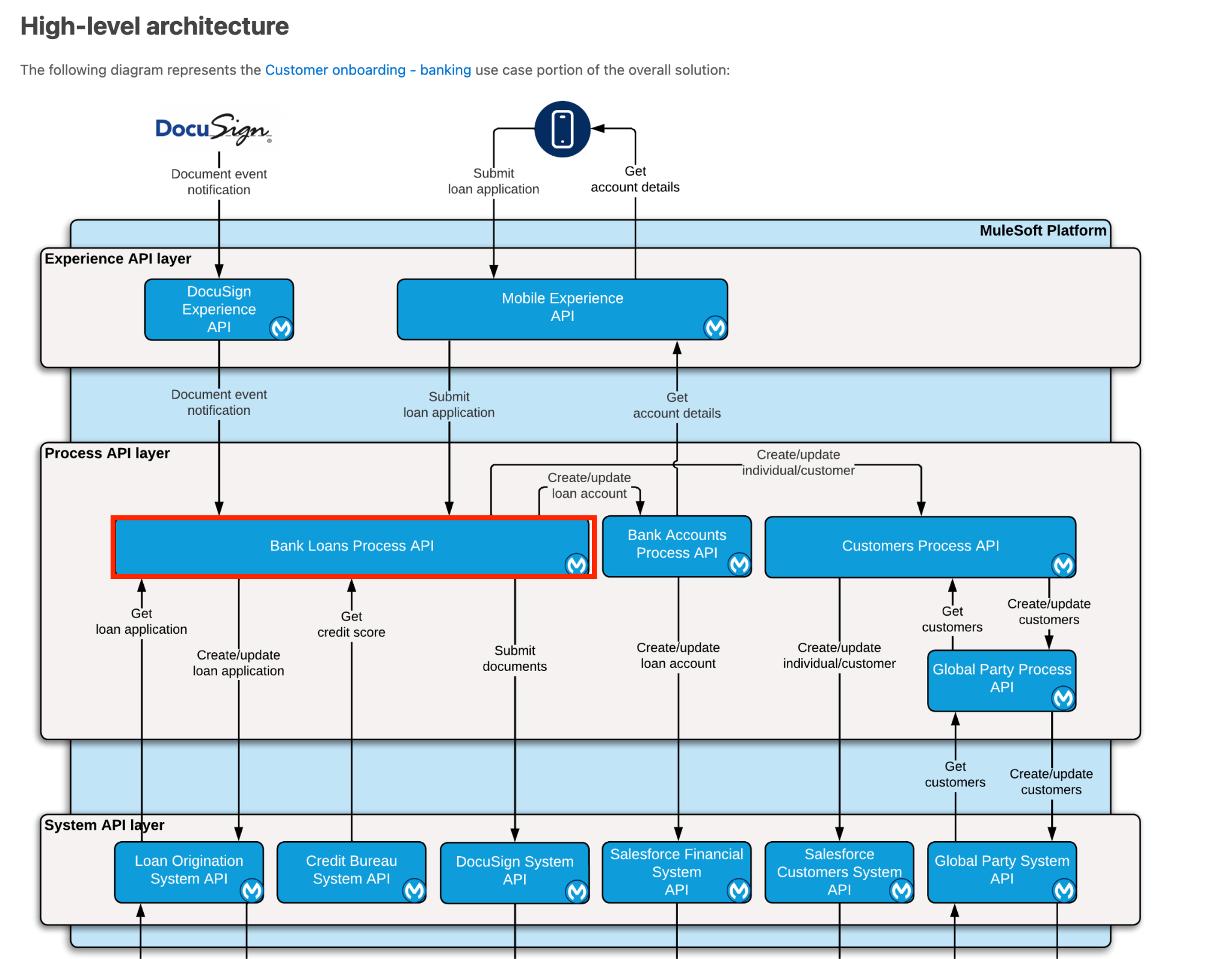
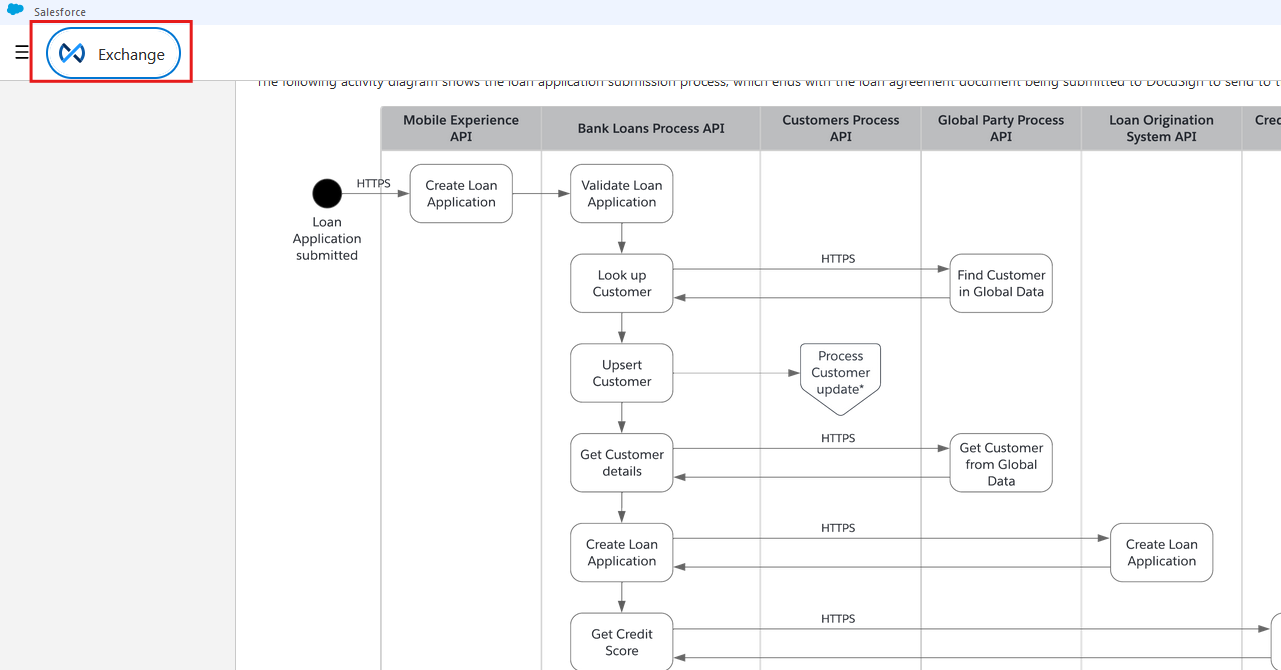
Review the high level architecture diagram and observe the Bank Loan Process API. In the reference diagram observe the different system, process and experience API the Bank Loan Process API is communicating with.
-
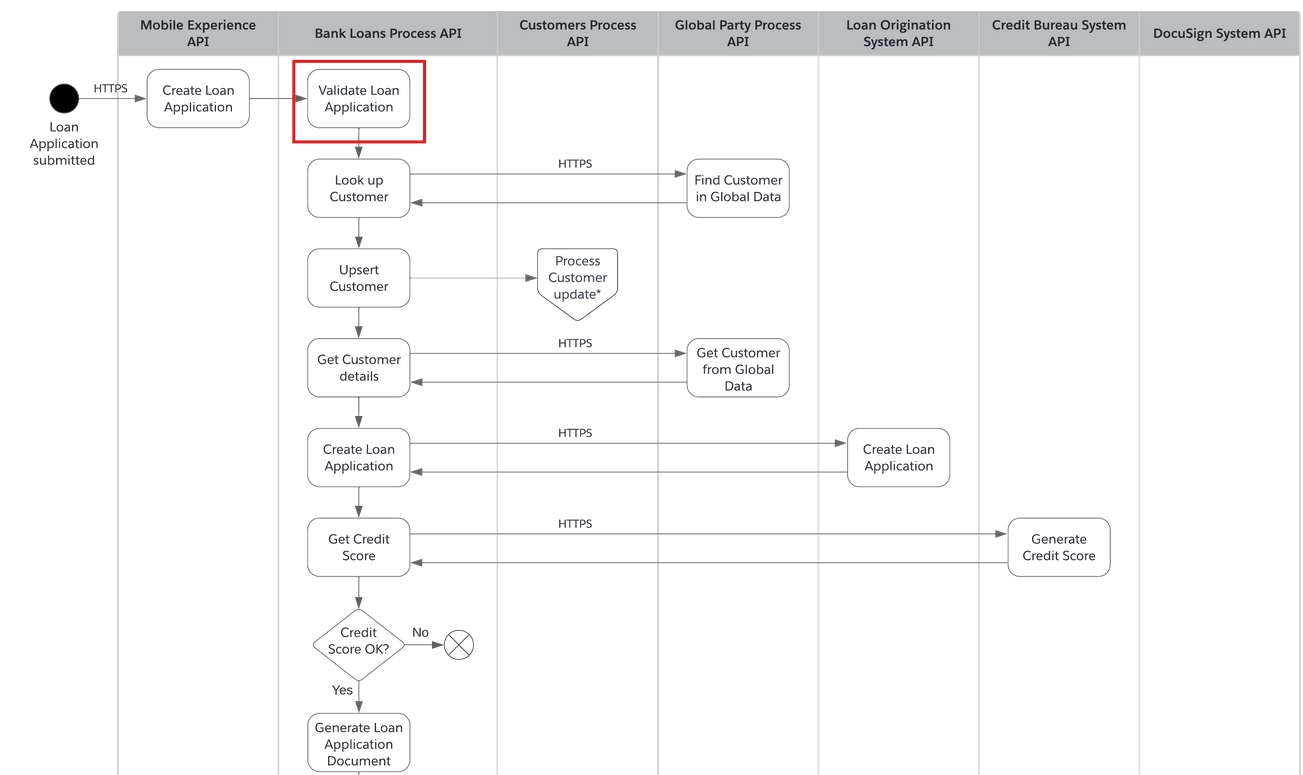
The sequence diagram on the asset page gives the full overview of the transaction. For the workshop exercise, we will be adding additional validation logic via a new call process API you will be creating.
Step 4: Review the Workshop APIs
In the previous step, you have completed the review of Mulesoft Accelerator, reviewed the high level architecture of the use case and understood the sequence of the transaction.
-
We will now take a look at the validation API. Click on the Exchange on the top left corner and return to the homepage of Exchange.
-
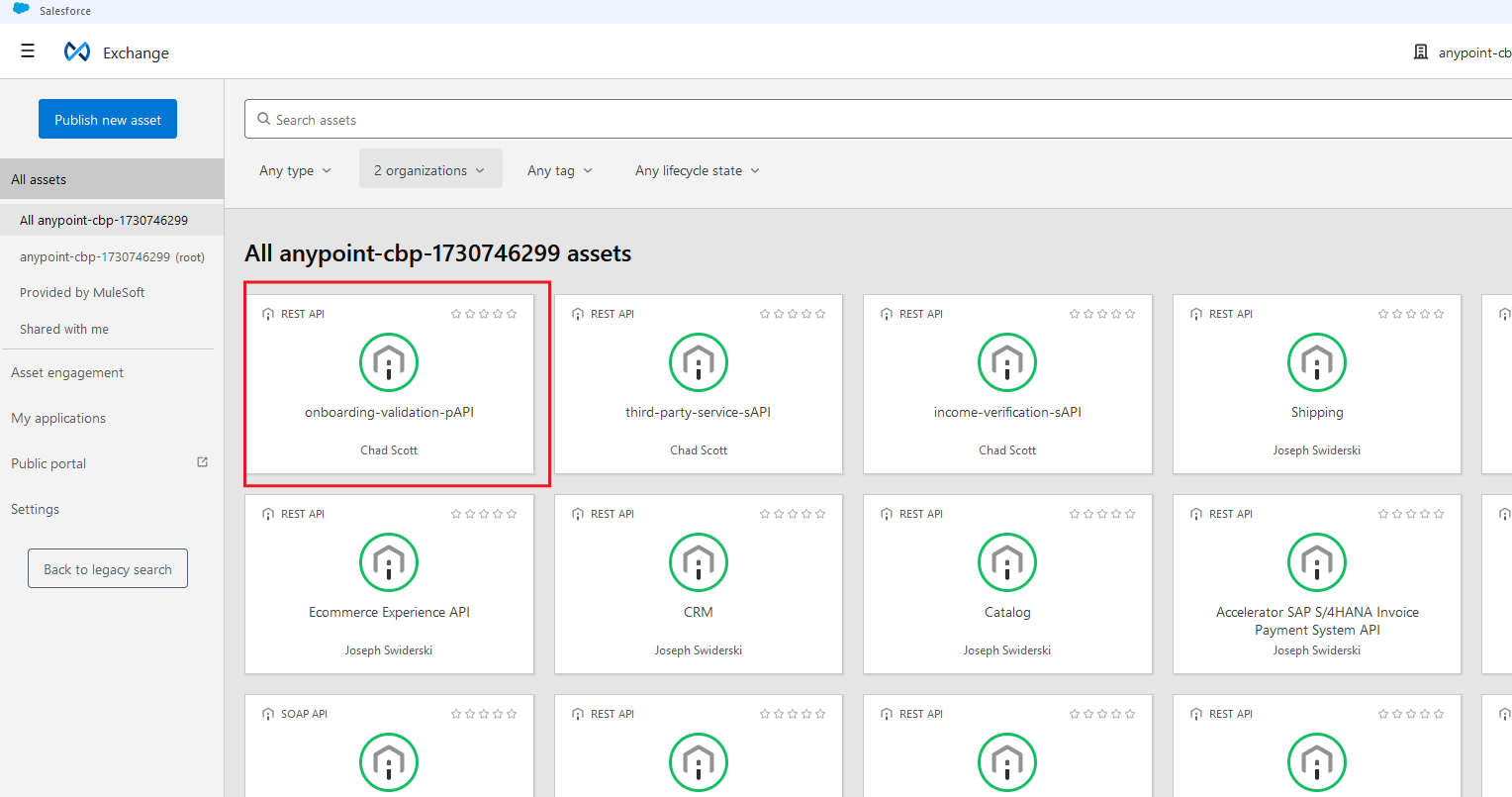
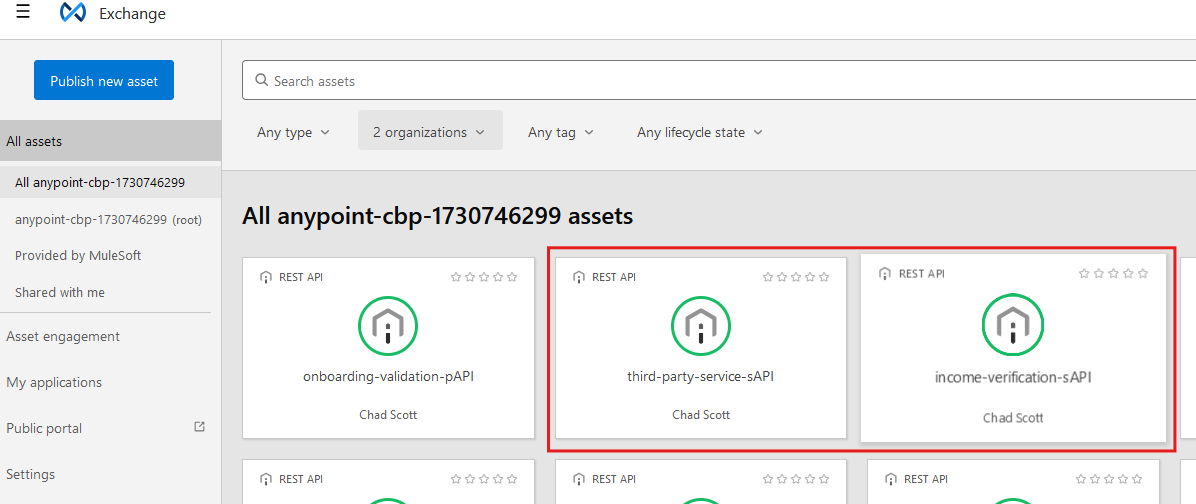
On Exchange, look for onboarding-validation-pAPI.
-
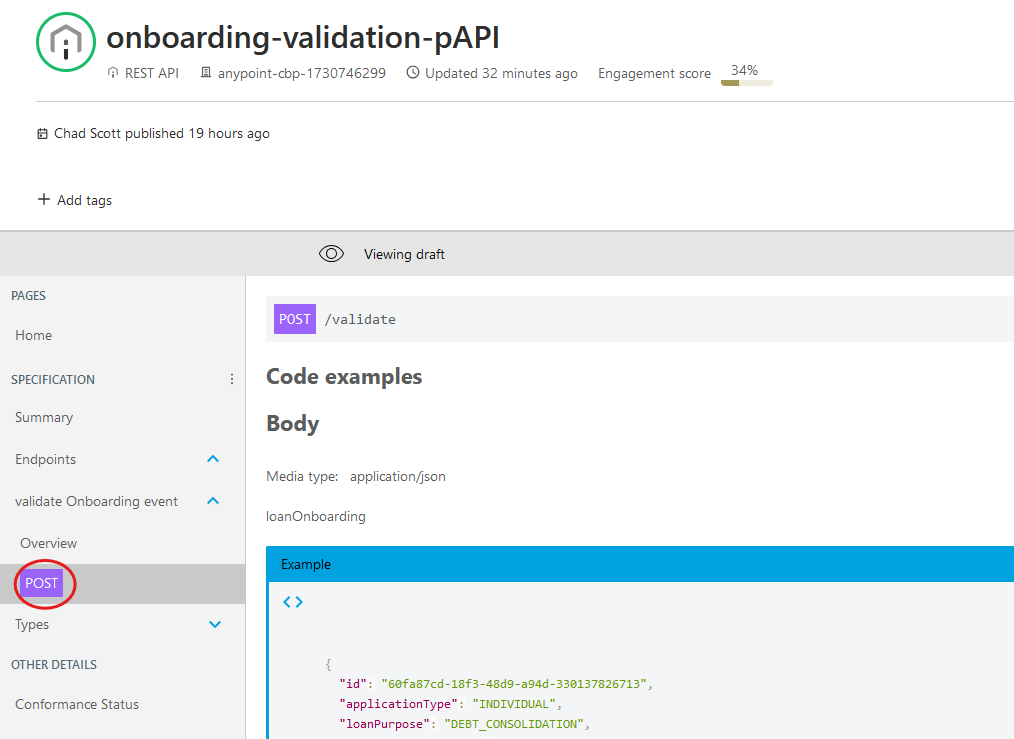
Once you have clicked on the asset, review the API. Look for Endpoints, then navigate down to the /validate POST operation
-
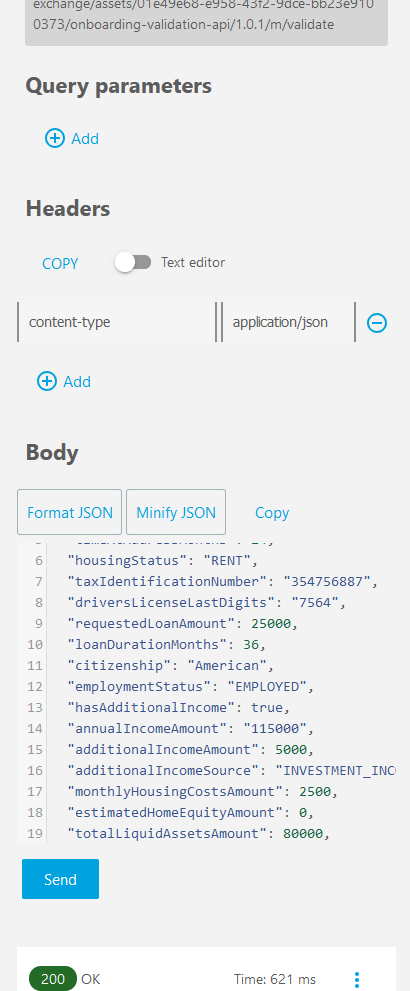
Review the Body and Response. These JSON structures are the data you will be working with. Interact with the Mocking Service for this endpoint by clicking on Send button on the right side.
-
Click on the Exchange on the top left corner and return to the homepage of Exchange. You will now review the two services your validation API will consume. Review third-party-service system API, a service running as a simulation for a government identity validation service. Review income-verification system API, a service that is part of the onboarding use case utilizing Intelligent Document Processing (IDP) to validate a W-2.
Summary
You now have a more in depth understanding of the various APIs that are a part of this workshop. Some of the key points to remember are:
-
API Specs for any services implemented in Mule or otherwise can be published into Anypoint Exchange!
-
Based on the specs source language (OAS or RAML), the Exchange will generate an asset of the alternative spec language.
-
Exchange will also generate Mule connectors based on the specs, allowing Mule developers to quickly re-use these services. You will do this later in this module.
-
By adhering to an API Led approach to building out your Application Network you can foster reuse of existing assets, which will in turn improve the speed of delivering new features and enhancements to your organization.
-
By using REST interfaces and MuleSoft Connectors you can easily upgrade or replace back end systems without having to revisit all of the APIs that are in your Application Network.
Now go to Lab 2: Implementing API in Anypoint Studio to start developing your solution.